Product rotation video
A product rotation video, without the shoot.
Upload the product photo you already have. RotateProduct turns it into a short video of the product rotating, in the shape your store, listings and ads need.
Drag to see the spin.
On the left, the one photo that went in. On the right, the video that came out. Nothing else was uploaded.
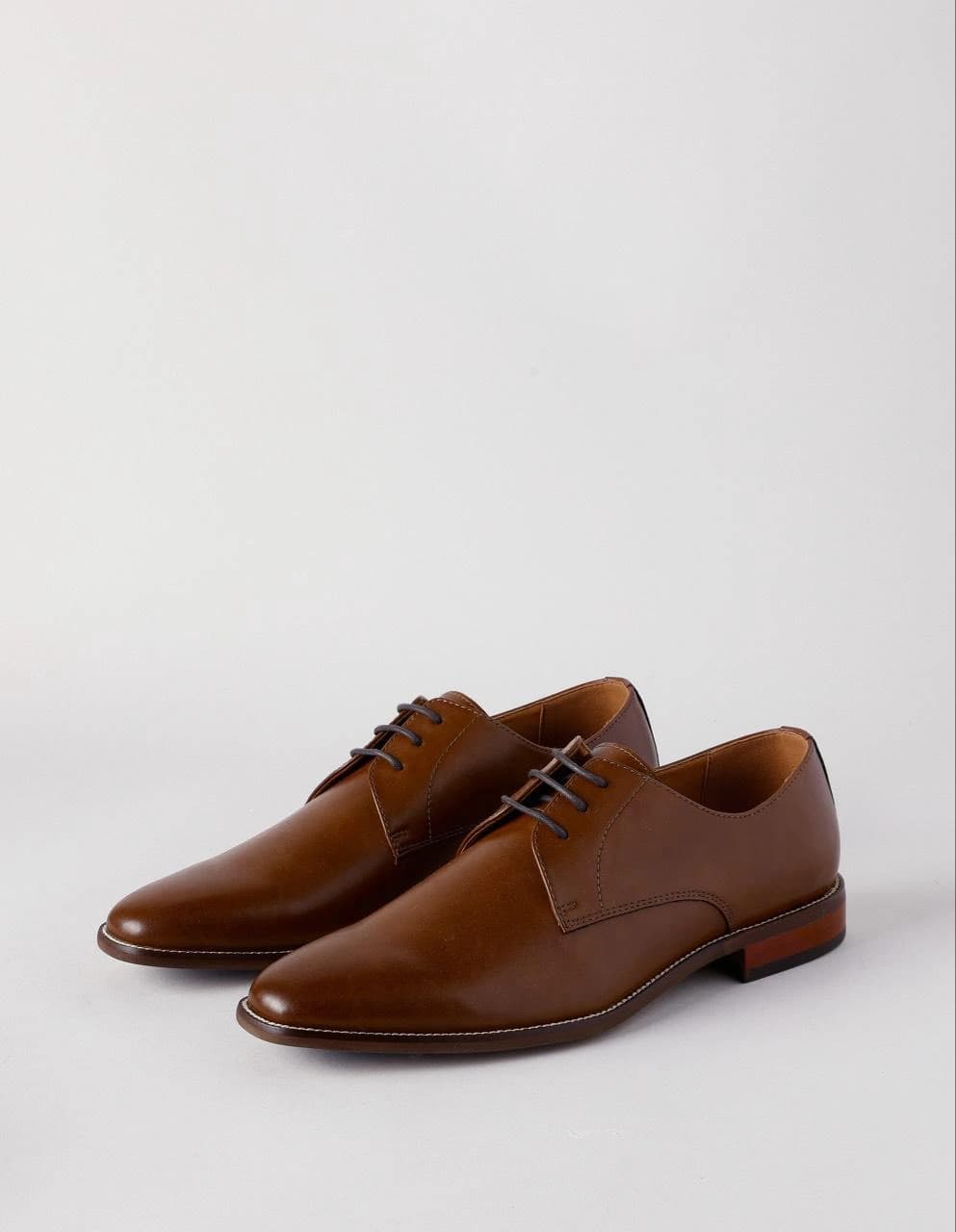
One product, every placement.
Square for product pages and feeds, vertical for Reels and TikTok, wide for YouTube and banners. You pick the shape when you generate.
Choose where it stops.
By default the product turns a full circle. Add an end frame, a second photo, and the video moves from your first shot to that one instead.
A catalogue, not just a hero product.
Generate product by product in the app, or send up to 600 photos in one API request on the Business plan.
What you get.
- You upload
- One product photo, plus an optional end frame
- You get
- An MP4, or an animated WebP. Zip downloads for batches
- Aspect ratios
- 16:9, 9:16 and 1:1
- Length
- 5 or 10 seconds
- Resolution
- 480p, 720p or 1080p
- Batches
- Up to 600 per API request on the Business plan
What it costs.
Priced for a 5-second rotation at 720p, which uses 5 credits. Plans are monthly, unused credits roll over, and you can cancel any time.
Starter · $19/mo
10
spins a month, $1.90 each
Pro · $39/mo
30
spins a month, $1.30 each
Business · $99/mo
100
spins a month, $0.99 each
Frequently asked questions.
What is a product rotation video?
A short clip of the product turning on its axis, so shoppers see more than one side. It plays like any other video: on product pages, on marketplaces and in ads.
Which aspect ratio should I pick?
1:1 for product pages and feed posts, 9:16 for Reels, TikTok and Stories, 16:9 for YouTube, site banners and landscape ads.
What does an end frame do?
It sets the last frame. Without one, the product turns a full circle and ends where it started, so the video loops. With one, the video moves from your photo to the end frame. It costs 5 more credits.
Will the video look like my product?
From the angles in your photo, yes. Sides the photo doesn't show are the AI's best guess, so check text and logos before you publish. If a video comes out clearly off, the app offers a free retry.
Can I try it before I pay?
Yes. Your first video renders free with a watermark. Pick a plan to download the clean copy.
Your first spin is free.
It renders with a watermark. Pick a plan to download the clean copy.