
“3D product view” can mean several different things. Before choosing a tool, decide what the customer needs to do: watch a short turn, drag through real photographs, inspect a freely rotatable model or place a model in their room. Those are different deliverables.
RotateProduct generates a rotation video from a photo. It does not supply a 3D mesh, an AR model, a material configurator or a drag-to-spin viewer. This comparison explains where that video fits and when another format is the better choice.
Rotation video: a clip that plays
A video shows a predetermined movement. The customer can play, pause or scrub using the player, but cannot choose an arbitrary new camera angle. MP4 fits ordinary product-video placements, and the same asset can often be adapted for a social post.
An AI-generated 360 product spin video starts with one photo. The hidden sides are inferred, which can change text, shape or small details. Review the full result and keep real still photographs for the features that must be exact.
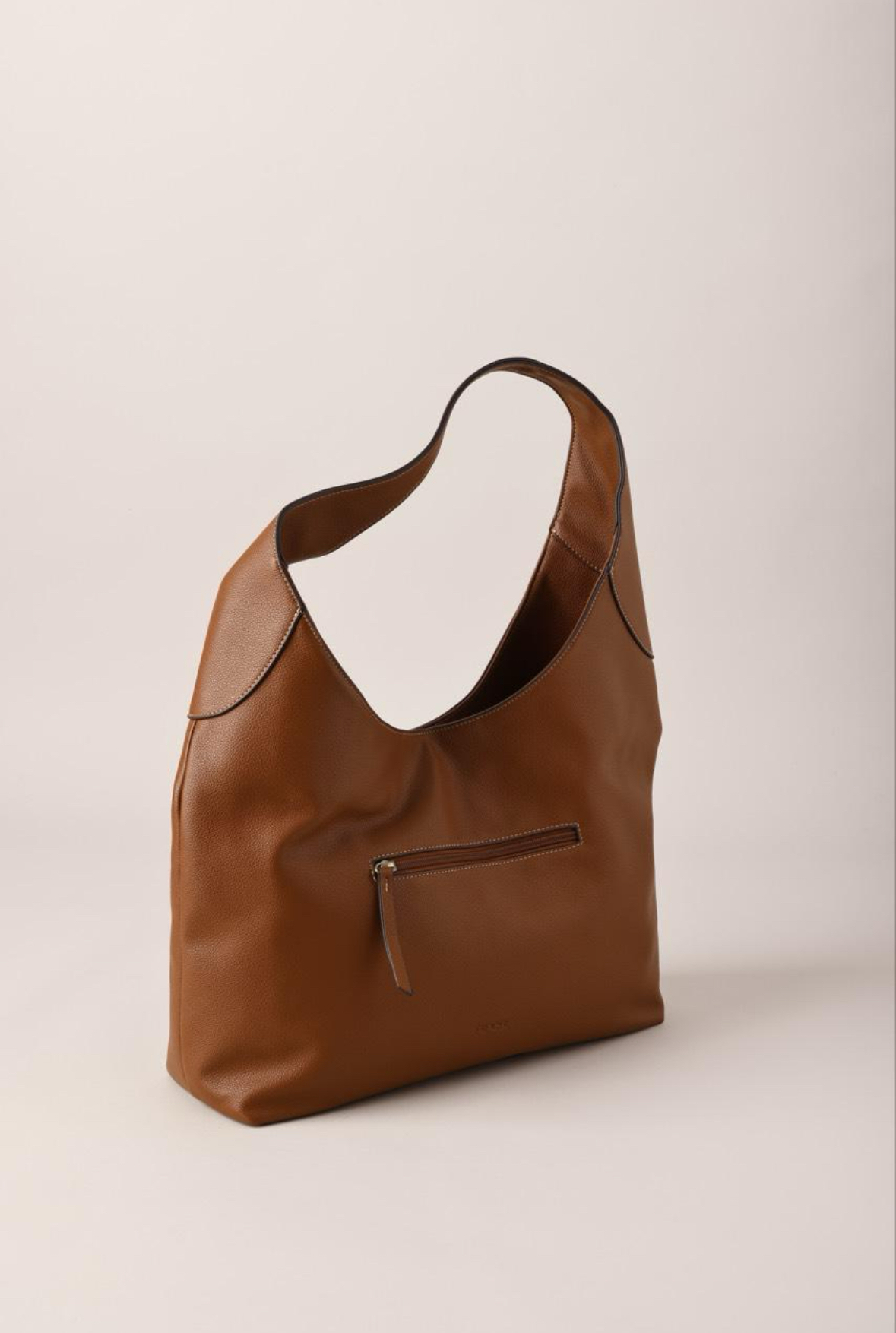
Source photo
Generated video · press play
The generated bag clip is a video. Its playback controls do not make it an interactive 3D model. Compare the inferred views with the physical product before publishing your own clip.
Interactive 360: a sequence of photographed angles
A conventional spin viewer switches through photographs as the shopper drags. The camera captures the real item at several positions under consistent conditions. That is useful when the exact surface and rear details matter and you can arrange a shoot.
You need the image sequence plus software that displays it. A store or marketplace that accepts a video does not necessarily support that viewer. Check the integration before paying for the photography. Our turntable-versus-AI page covers the alternative video workflow.
Real 3D model: geometry rendered in a viewer
A 3D viewer renders an asset such as a compatible mesh with materials. Depending on the implementation, customers can rotate, zoom or interact with configured options. The asset has to be created and checked against the real product; having a model does not by itself make its dimensions or materials accurate.
Choose this when free viewing angles or configurable finishes are part of the buying task. Include the cost of the model, materials, integration and ongoing maintenance. An MP4 cannot be converted into a verified product model just by changing its file extension.
AR: a model placed in a physical setting
AR can help customers judge how an item appears in a room or another supported setting. It needs compatible assets, device support and a careful implementation. A prerecorded rotation video does not provide that spatial experience.
For a product whose main question is “will it fit here?”, dimensions and suitable real reference media still matter. Do not use an inferred video view as proof of fit.
Choose using the customer's question
- “What does the shape look like as it turns?” A reviewed short video may be enough.
- “What exactly is printed on the back?” Show a real photo or a photographed spin that captures it.
- “Can I inspect it from any angle?” Consider a real 3D model and viewer.
- “What if I choose a different material?” Consider an accurately configured model.
- “How will it look in my room?” Assess a compatible AR implementation with correct scale.
These formats can coexist. Real photos plus a useful video can be a sensible first step before committing to an interactive installation. The ecommerce rotation guide compares costs and explains a small first rollout.
Compare outcomes without borrowing someone else's results
A study or case study about an interactive model is not evidence that an AI video produces the same conversion or return-rate change. Define the result you want to measure and test the actual asset on your own page. Avoid promising a universal percentage lift.
The fastest next step for a video workflow is to make one rotation from a photo. Review it with the accuracy checklist, then use the delivery guide to keep the published player usable on mobile.
Try it with your product photo
Make a 360 product spin video from one photo. Your first preview has a watermark; a subscription unlocks the clean download.