
A good source photo makes the product's shape easy to understand. You do not need a studio to start, but the AI cannot reliably recover a cropped handle, unreadable label or edge lost in a dark background. Prepare the image before spending time on repeated generations.
This checklist is for making an AI product rotation video. It also improves the real still photos that should remain beside the video on your product page.
Keep the entire product in frame
Show one complete product with room around it. Include straps, laces, handles, protruding controls and packaging that belongs to the item. A tight crop can hide where a part ends; during rotation, a part that fits the opening view may still need more space.
For a set of items, decide whether the set itself needs to turn together. Separate overlapping objects when you want one independently rotating product. Do not ask a source image with several unrelated products to communicate a single shape.
Use soft, even light
Try indirect window light and a plain surface. Move the product or diffuse the light if hard shadows hide the outline. A piece of white board on the darker side can make a simple reflector. Keep the visible colour close to the real item.
Reflective and transparent products need extra review. A bright reflection can look like a physical feature; glass can make boundaries ambiguous. Keep real close-ups for details a rotation cannot represent faithfully.
Separate the outline from the background
Use a background that makes the edges visible. White-on-white and black-on-black can obscure the shape even when the photograph looks attractive. Avoid busy patterns, other objects and text behind the product.
You do not need to remove every natural shadow. The important question is whether the product can be distinguished from its surroundings. Over-editing the source can change the outline or erase real seams.
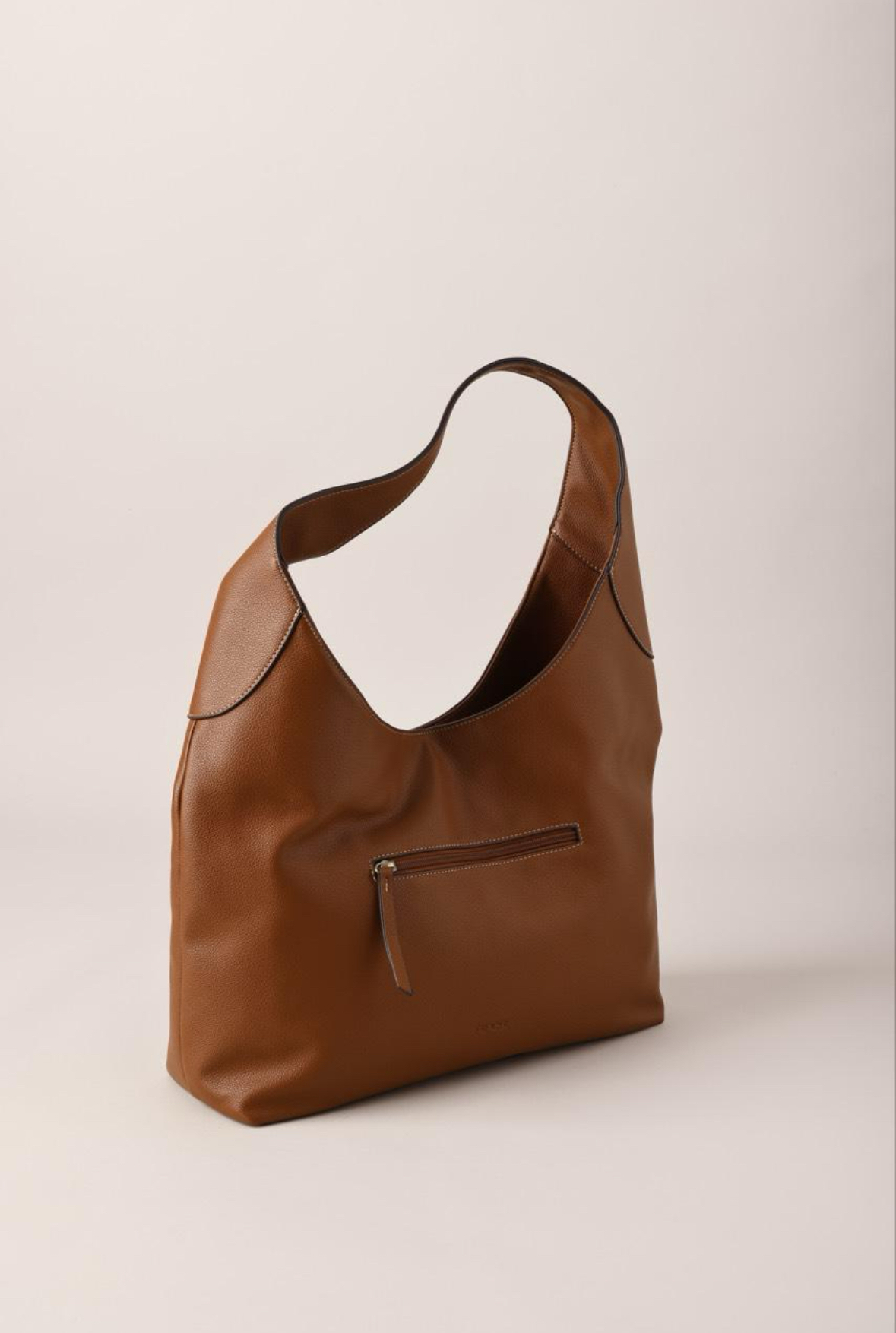
Source photo
Generated video · press play
Here the real source photo can be compared with its generated rotation. Treat this as an existing example, not a recommended exact crop for every product.
Choose an informative angle
A front view shows the front clearly, but may say little about depth. A three-quarter angle can expose more shape. Try the angle that makes your important feature easiest to understand without hiding the rest of the item.
No angle reveals every side. The AI infers the parts outside the photograph. An attractive inferred back is not evidence that the real back looks that way. If accuracy on every side matters, choose a real shoot; the turntable alternative comparison explains this tradeoff.
Keep detail real
Use a sharp original image rather than a screenshot or a heavily compressed supplier thumbnail. Check that you have permission to use supplier images. Avoid strong portrait blur where it cuts into the product, aggressive sharpening and filters that alter colour.
Preserve real logos, seams and material texture. If the source lettering is unreadable, a larger export does not supply the missing information. Show a real label image separately when customers need to read it.
Review the result as carefully as the source
Follow the one-photo rotation tutorial, then check the opening, side, rear and final frames. Compare shape, colour, object count and text. Watch the transition when the video loops.
If the geometry changes, use the rotation troubleshooting guide to choose the next change. Fixing the source is often a more useful experiment than repeatedly rendering an ambiguous image, but no input recipe guarantees an exact result.
Try the photo before choosing a plan
Make your first watermarked preview with your own product photo. Choose a subscription to unlock the clean download after you have inspected it. The current offer is one preview, not a recurring free-credit allowance.
When the clip is ready, use the Shopify publishing guide or the web delivery checklist to make sure the final asset works where your customers will see it.
Try it with your product photo
Make a 360 product spin video from one photo. Your first preview has a watermark; a subscription unlocks the clean download.